iPhone app · Coming soon
Stop doomscrolling.
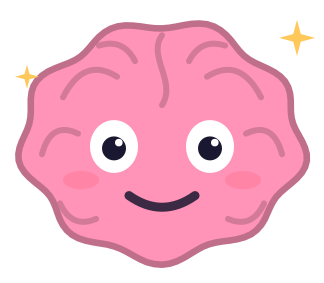
Noodle blocks the apps you lose hours to, on the schedule you set. Open one anyway and there’s no “Ignore limit” button. You can take a short break that locks again on its own, or walk away and give your brain pet a little health back.
Free to download, no account needed, no tracking.
How Noodle works
A mode for each part of your day
Bedtime blocks one set of apps, work hours another, mornings a third. Each mode has its own apps, websites and schedule. If two overlap, an app stays blocked while either is on.
Breaks that end on their own
Need Instagram for five minutes? Noodle unlocks just that app and locks it again after the minutes you picked.
You choose how strict
Gentle asks for a few slow breaths. Intentional asks what the break is for, and the wait grows with each one. Strict has no breaks until the mode ends.
Noodle’s health
Noodle starts each day at 100. Time on your blocked apps brings him down, and walking away brings him back up. The app shows exactly how the score works.
A check that fixes itself
Schedules keep running when the app is closed. If one ever stops, System check shows what’s wrong and fixes it in one tap.
Private
Account optional, no analytics and no ad code. Blocking runs on Apple’s Screen Time, and your activity stays on your iPhone.
Pricing
Free
Three modes with schedules, breaks, focus sessions and the widgets. There’s no paywall during setup and no discount pop-up when you try to leave.
Noodle Plus
Up to six modes, blocking everything except the apps you pick (like Maps and Messages), stopping yourself from deleting apps to get around a block, any break length and 30 days of history. $19.99 a year after a one-week free trial, $2.99 a month, or $39.99 once.
Questions
Does Noodle see which apps I use?
No. Apple’s Screen Time gives Noodle sealed tokens instead of app names, and the numbers stay on your iPhone.
Can I get around it?
If you really want to, yes. Strict modes, a daily break limit and blocking app deletion make it harder when you want it harder.
What if I really need my phone?
Every mode that isn’t strict has breaks. There’s also an emergency unlock, three a month, that turns everything off until midnight.
Which iPhones does it work on?
Any iPhone on iOS 17.4 or later. The Home Screen and Lock Screen widgets need iOS 18.